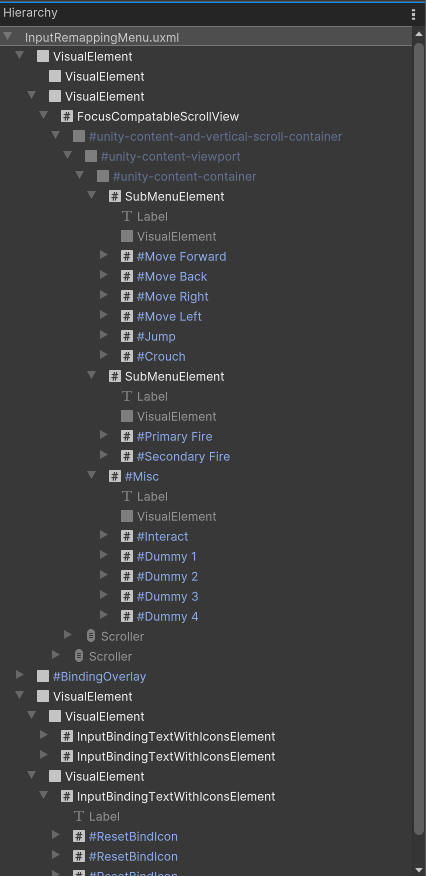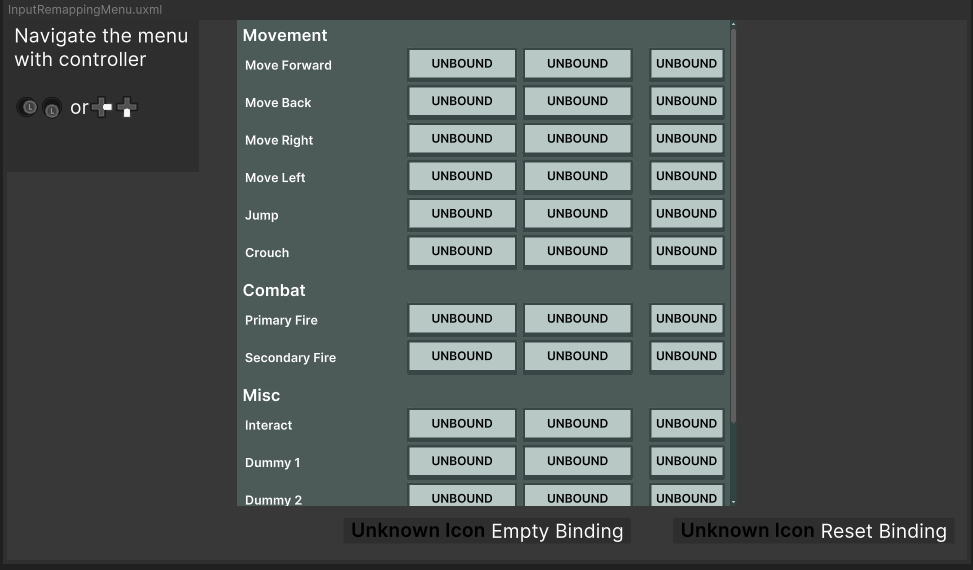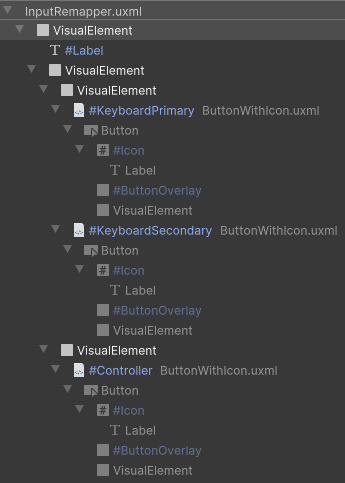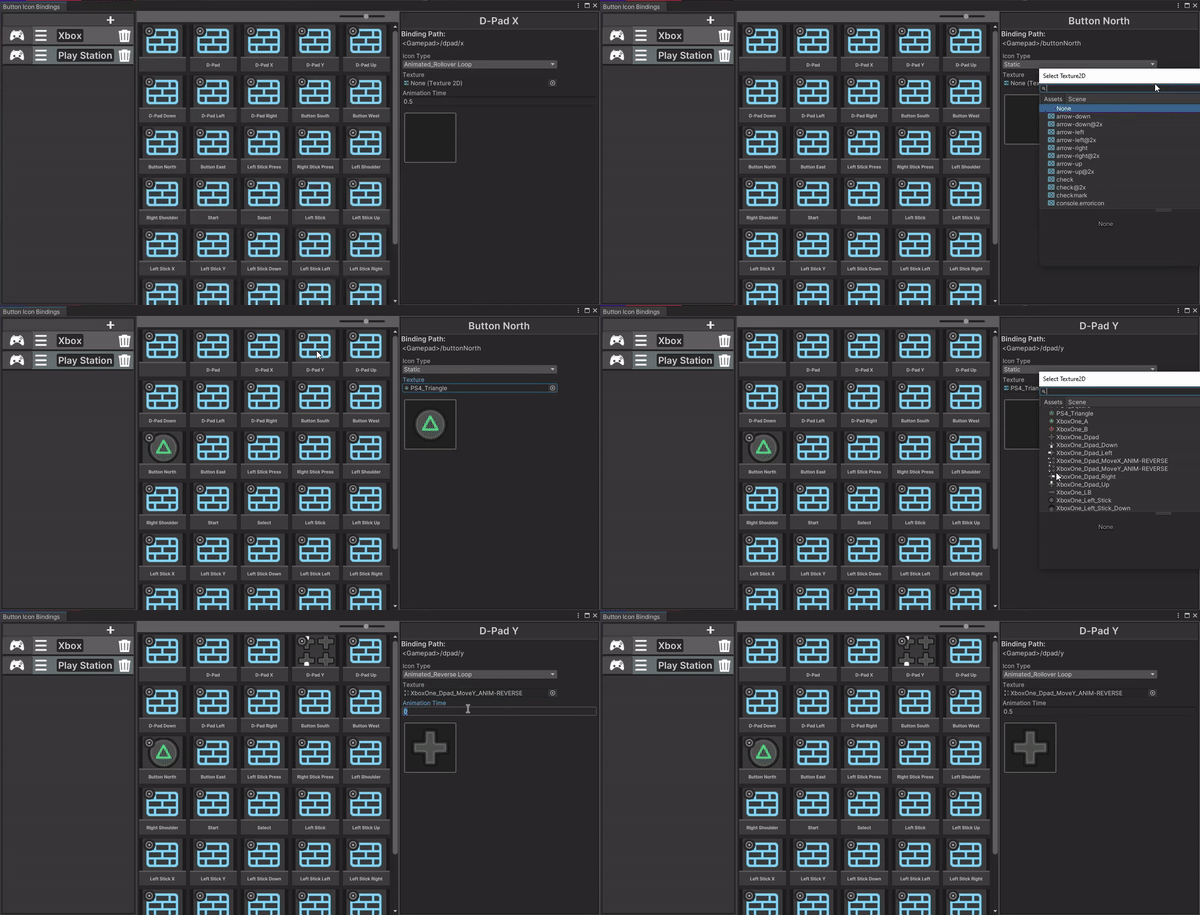


 Hover over text boxes for relevant pictures.
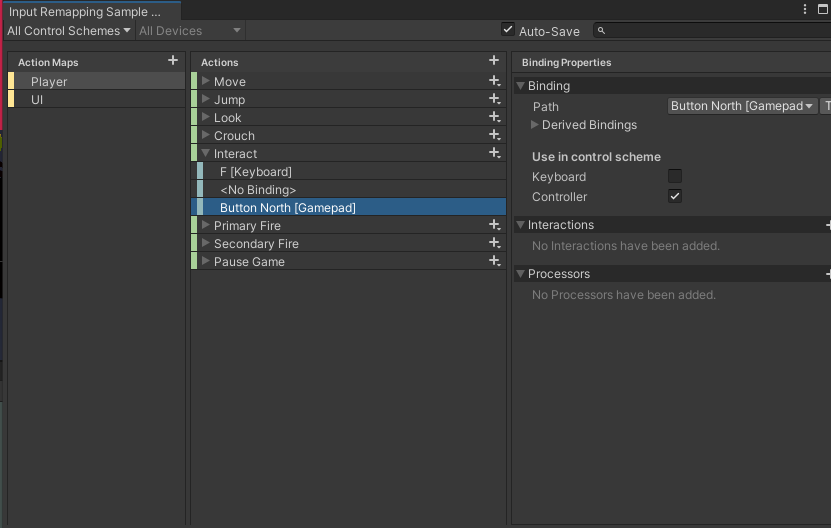
 Making use of Unity's native Input System plugin, which lets you assign specific input paths (spacebar, mouse delta position, left stick up, ect), this project enables the binding of properties within input actions. For example, a single input action for shoot may contain a binding property for left click, and left trigger, both of which can be independently rebound yet still execute the same function of shooting.
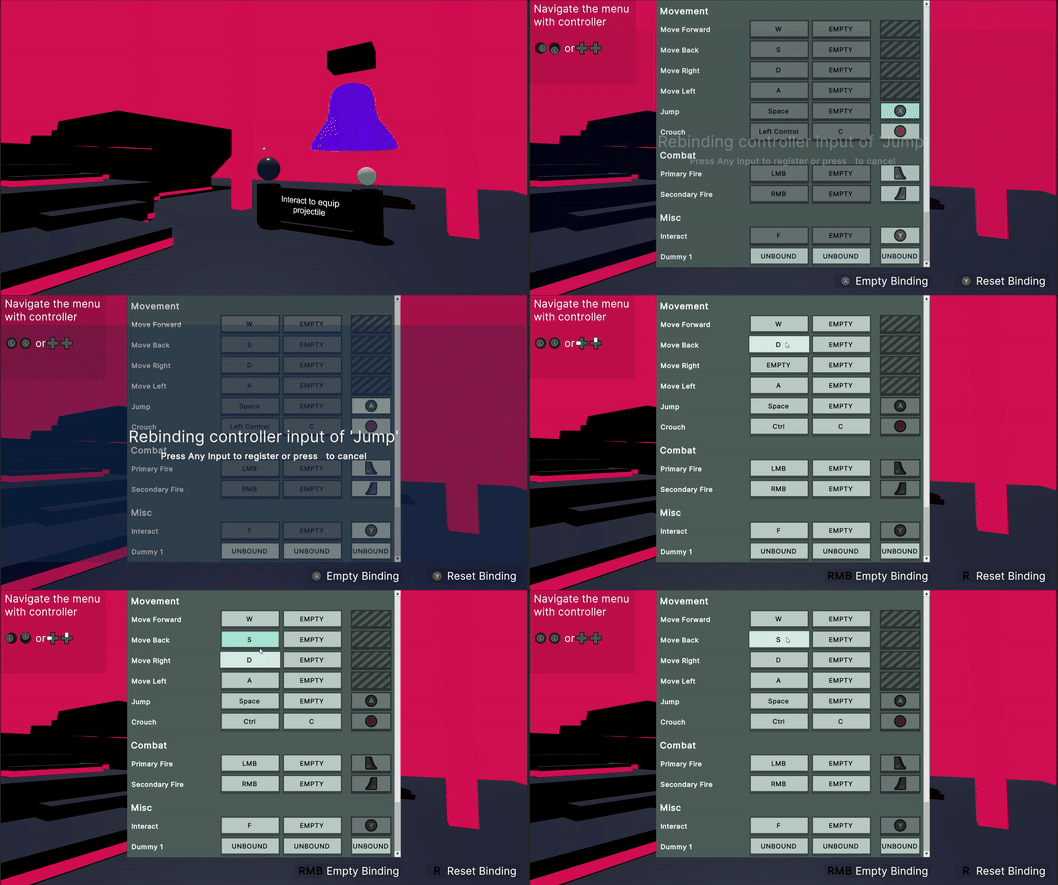
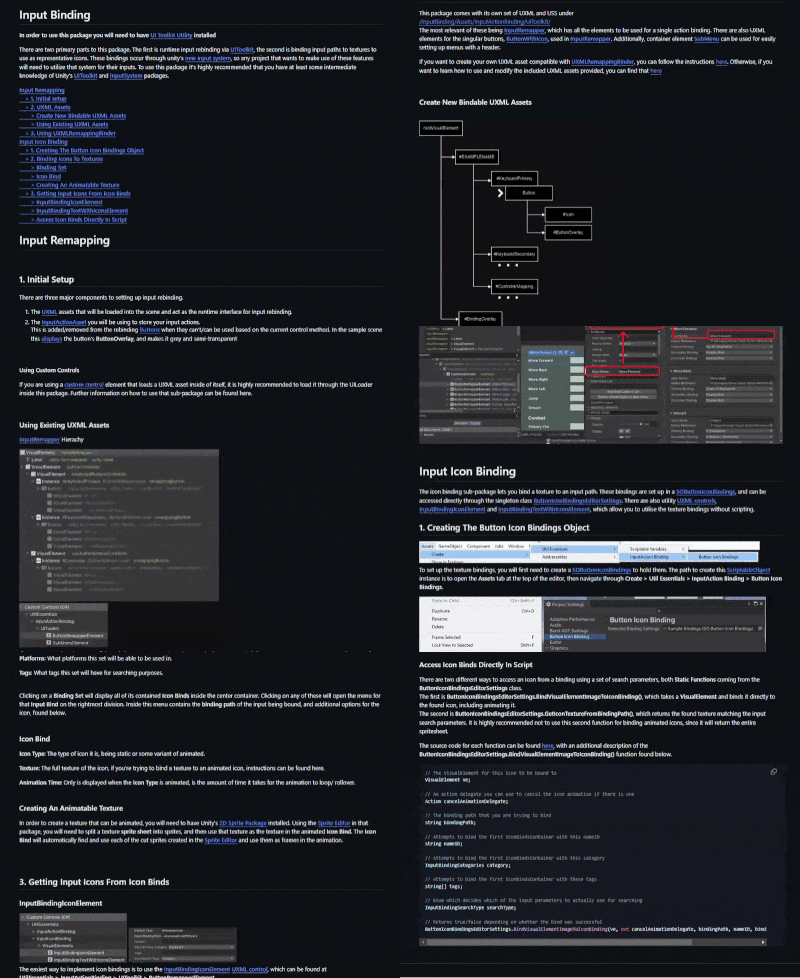
Using this system, it implements the rebinding of an input action to another binding path at runtime through a rebinding menu. This menu is implemented using Unity's in-development UI Toolit system, which implements UI similarly to HTML and CSS.
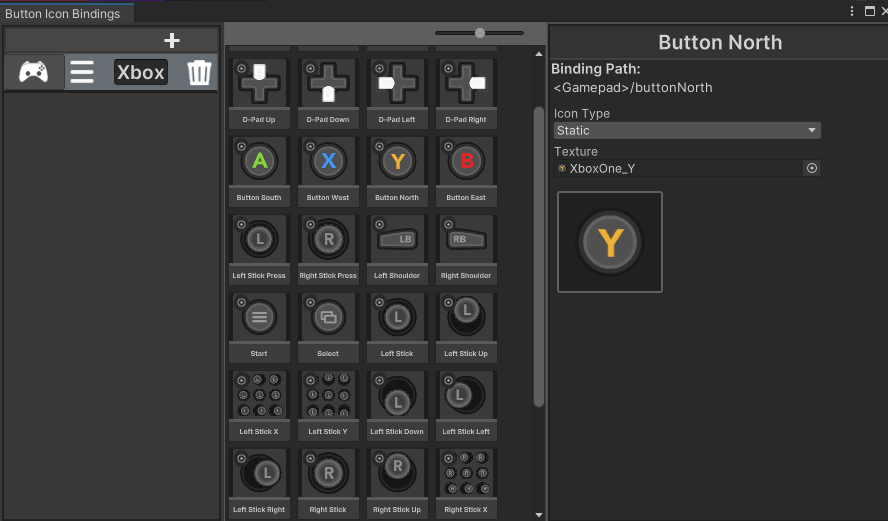
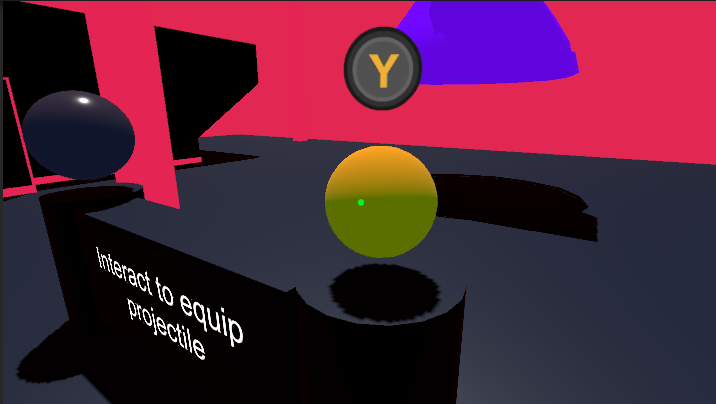
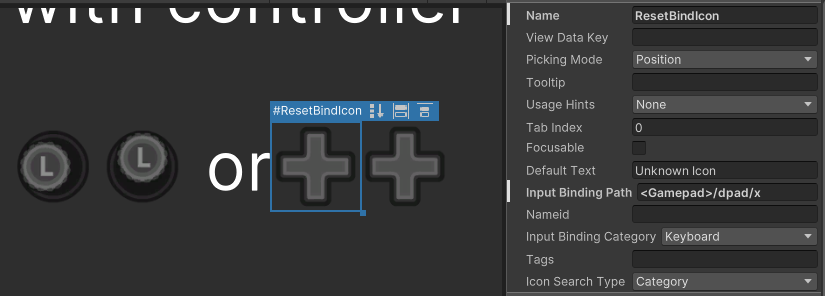
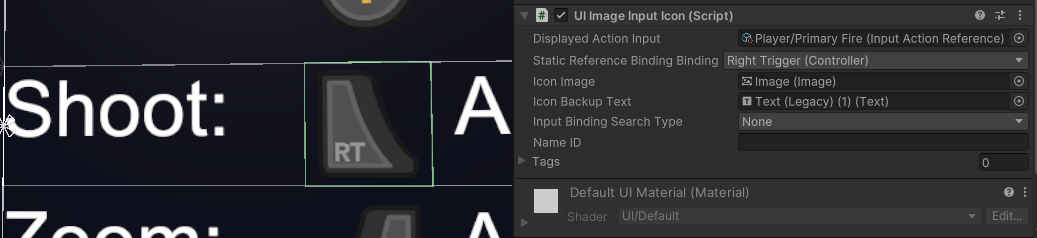
The input icon part of this project allows textures and sprite animations to be assigned to input paths. These icon bindings can then be read using their input paths as keys, plus other searching categories to filter results. Currently, the project has custom scripts for Unity's uGUI and UI Toolkit that allows an input path be bound to an image, additionally having options to show the icon of an action input's binding property, or to just use an input action and switch the displayed icon depending on the current input method (gamepad, keyboard, mouse, ect).
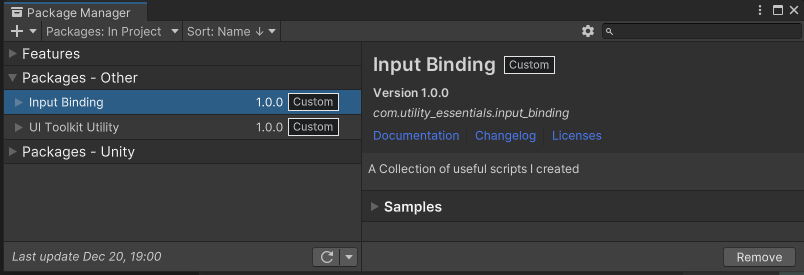
The changes implemented in this project have been organised into two seperate packages, one a general utility packagee for using UI Toolkit, and the other being one that handles the actual input rebinding and icon mapping. The playable scene is a sample within the input binding package. It has been organised like this to have a more lightweight base for future projects that need to utilise the UI toolkit part of the project.